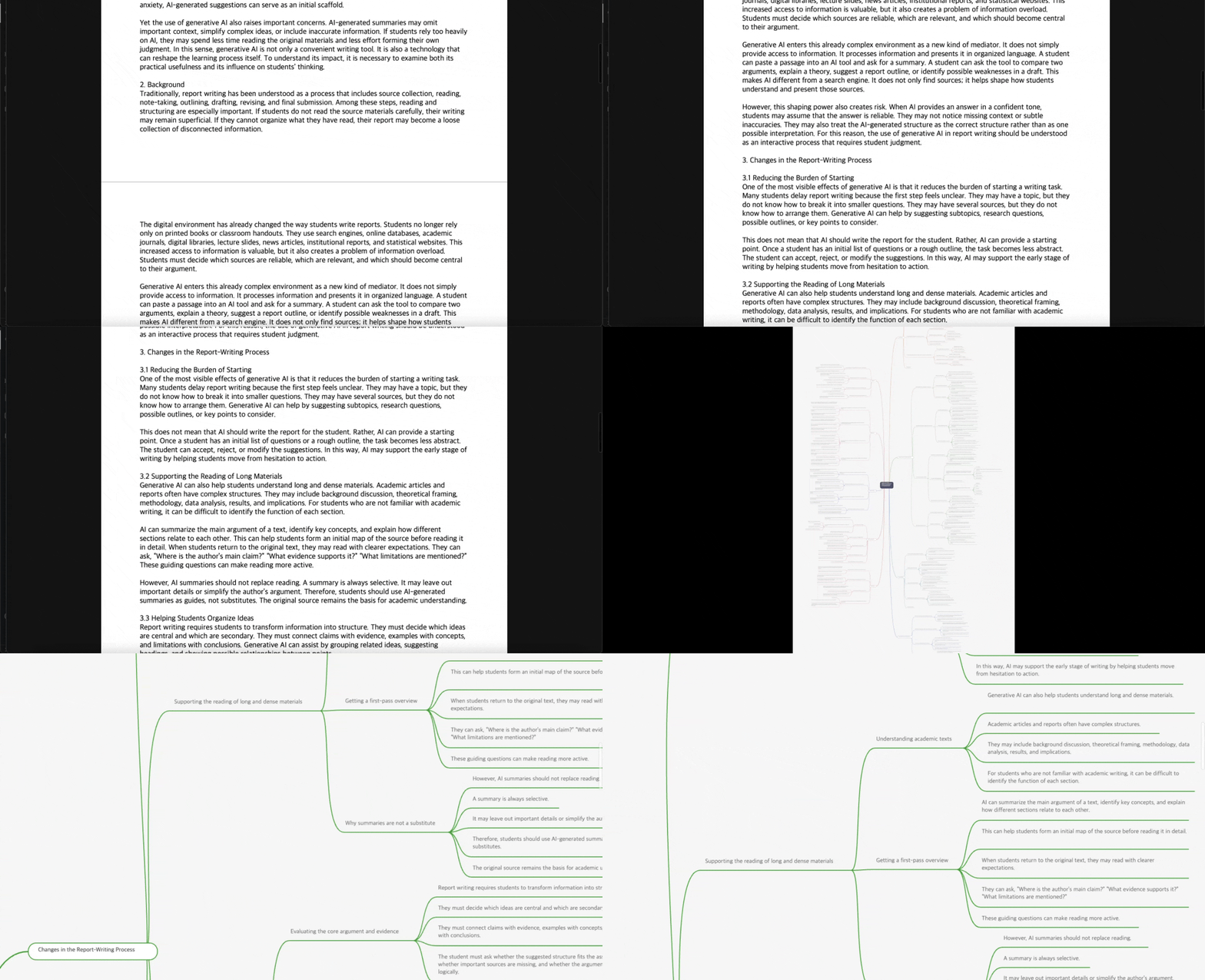
Add document or text
Paste text directly, or upload a PDF/DOCX file.

BrifyBrify lets you directly edit AI-generated structure, mark what matters, return to the original text, and turn your work into shareable PDF and Markdown outputs.
No monthly subscription required. Pay only when you need it.
Reward credits for approved social sharing and feedback missions
NotebookLM Comparison
If your priority is quick understanding, NotebookLM may fit better. If you need to directly refine and manage the structure, Brify may fit better.
Edit the structure map freely
Mark important nodes as you read
Add notes to nodes as you read
Check the original source location and revise directly from the node
Organize, reopen, and manage structure maps with tags and reading status
You can mark each structure map as In progress, Important, or Reviewed and keep managing it as part of your workflow.
Combine multiple structure maps and view them in a single structure map
Brify lets you merge generated structure maps and reorganize them into a single flow.
Generate reliably with automatic split-and-merge for large inputs
Large text is automatically split, generated, and merged again to reduce mid-process failures and stabilize final output.
A better fit if your priority is asking questions and understanding materials quickly.
A better fit if you want a hands-on structure map—one where you can mark nodes, add notes as you read, revise what matters, and turn it into an output.
Usage Flow
From input to sharing, here is the real 6-step workflow.
Add document or text
Paste text directly, or upload a PDF/DOCX file.

Choose output language
Select the language you want for the result.

Generate structure map
Click generate to start processing, then move to the result view when it is ready.

Edit and highlight nodes
Highlight key nodes, add notes, and edit the structure where needed.

Manage tags and reading status
Organize maps with tags and reading status so you can reopen and continue later.

Share and export outputs
Create a share link and export your result as PDF or Markdown.

Best For
What matters more than your job title is whether you need to read, revisit, organize, and preserve understanding from long documents.
It fits well when you need to preserve not just a quick overview, but also the key claims and where the supporting evidence lives.
When you reopen the material, you can immediately see where to look and trace it back to the relevant source location.
You can reshape the generated structure to match your own standards, and turn it into working material with highlights and annotations.
The more your work continues into team sharing, reports, or presentation-ready outputs, the more useful Brify becomes.
It is especially well suited to workflows like research and planning, legal or policy review, and document-heavy analysis where you repeatedly reopen materials and verify supporting evidence.
Features
A single workflow from reading to refining and sharing.
Even on the first pass through a long document, the overall flow became much easier to grasp. What really helped was reopening it later and still knowing exactly where to resume, with both the key claims and supporting details preserved together.
Unlike a simple summary that only leaves the conclusion, Brify kept the issues and the source locations of the supporting evidence in a usable structure. The more a document requires careful judgment, the more valuable that felt.
It did not stop at showing me an AI-generated draft. I could reshape it to match my own standards, add highlights and annotations, and turn it into something I could actually share with my team. That made reporting and handoff much easier.
The more viewpoints you need to weigh, the clearer your standards need to be.

“There is always more to read, while there is less time to decide. I built Brify to help people read documents where missing something carries real risk, faster and more accurately. Not through summary, but through structure, so you can grasp both the key points and the details together.”